Client portal
A private home for your work together. And no password to forget.
When are we meeting? What did I commit to? Where is that invoice? Every client gets their own portal with the answers, so they stop digging through their inbox and you stop answering the same emails.
- One for every client, automatically
- Single-use sign-in links
Free during the private beta. Beta coaches keep 40% off for life.
Maya’s portal
Opened from her own inbox
- Next session: Tuesday, 2:00The video link is right here when it is time.
- Commitment doneBook the conversation with her manager.
- New: notes from ThursdayShared by you, for her eyes only.
What it carries for you
The questions between sessions answer themselves.
Your clients find what they need without waiting on you, and you see what they did in your prep.
- SessionsMaya checked her next session time herself. No email to you.
- InvoiceShe paid last month’s invoice from her portal, on the spot.
- CommitmentShe ticked off the one she made last week. You will see it in your prep.
- TakeawaysShe added a line to her key learnings, in her own words.
- SummaryThe notes you shared came to her in one tidy morning email.
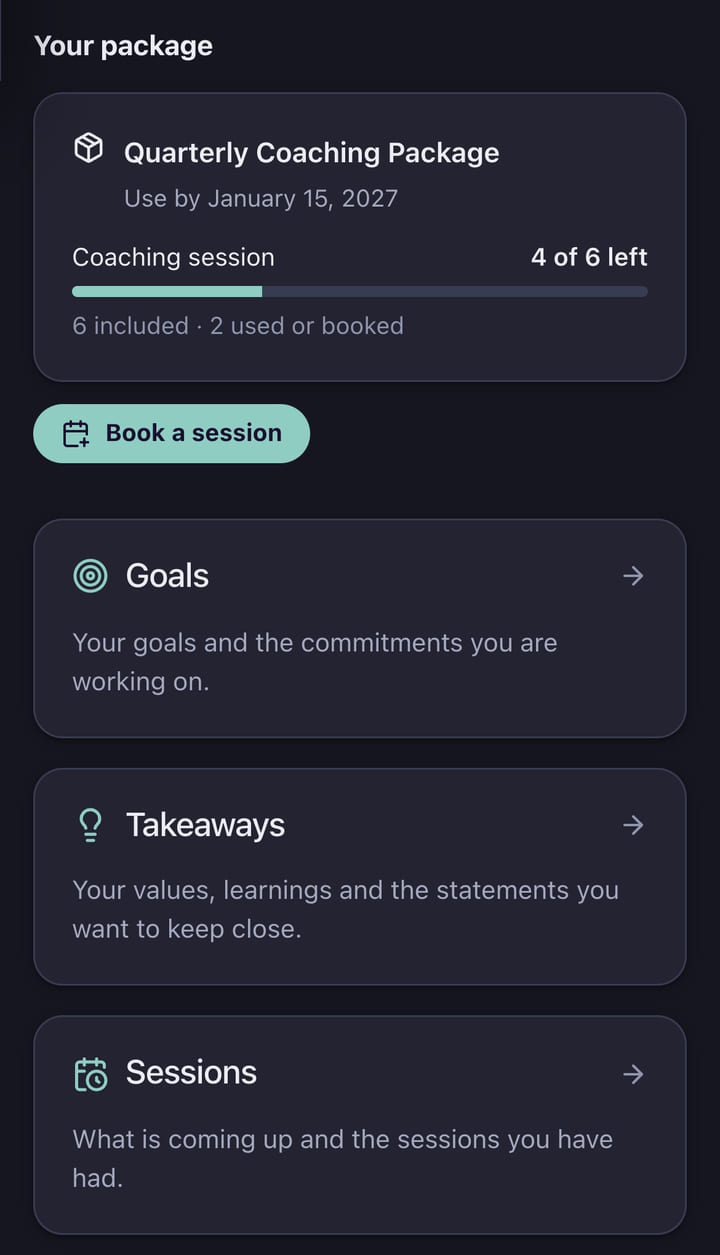
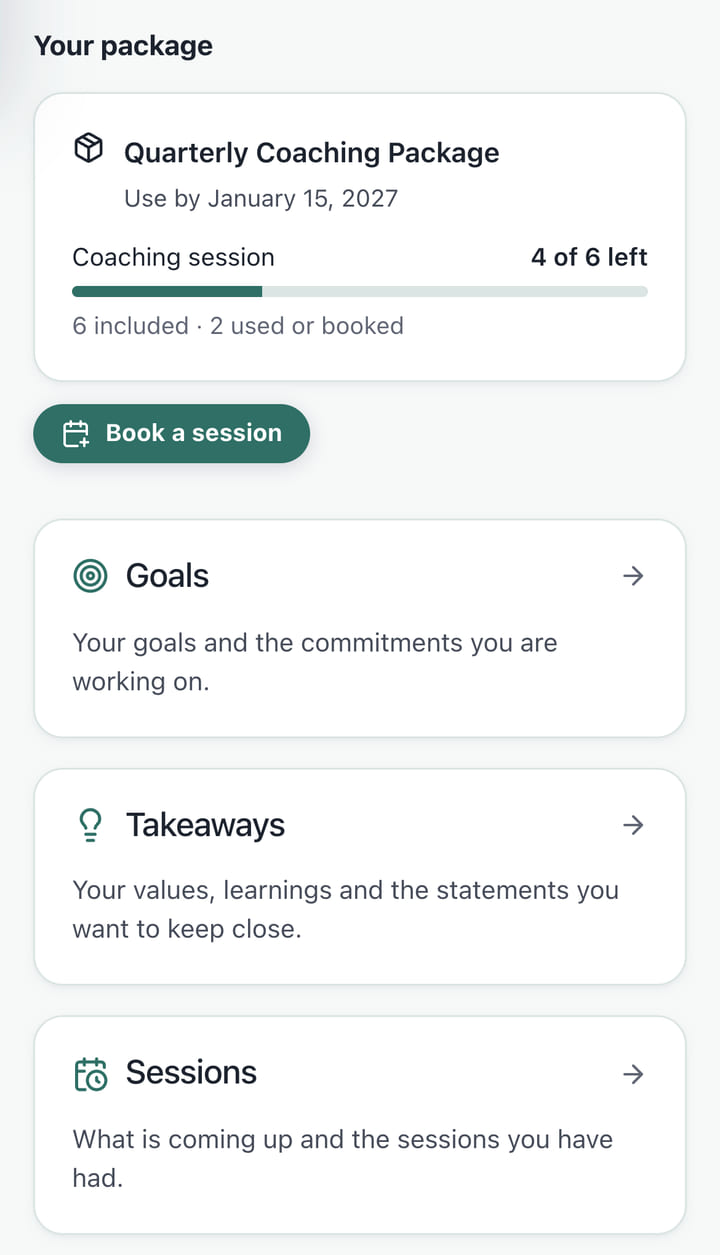
What your client sees
The whole relationship, in one private place.
You choose which sections each client sees, and you can preview exactly what they see before they do.
Sessions
Upcoming and past sessions, with the video link when you set one. On a package, they can book their next session from what is left.
Invoices
Every invoice, and a way to pay an open one right there, through your own payment accounts. If they set up automatic payments, they can stop them here too.
Goals and commitments
The goals you set together and what they committed to. When they mark a commitment done, you see it in your prep.
Messages
A private thread between the two of you. No group chat, no public feed.
Shared notes, files and links
Only what you choose to share: a session summary, a worksheet, a useful article. Ready to read or download.
Takeaways they keep
You set up a list, like key learnings or next experiments, and they write the items in their own words. Key learnings keeps a dated log they can look back on.
Updates from your groups
For clients in a group program, your notes to the group and its shared materials, in one place. Separate from your one-to-one messages.
Forms
Their intake form, saved as they go, so they can stop and come back to it later.
Getting in
No account to set up. No password to reset.
Every client with an email address has a portal, ready the first time you email them.
- 01
Your emails open it
An invoice, a shared note, their intake form: the link in your email signs them straight in to the right page. Each link works once.
- 02
An old link sends a fresh one
If a link has been used or has expired, a new one goes to the address you have on file for them, never anywhere else.
- 03
Their device, their choice
Their own device can stay signed in for a while. On a shared computer, one tick signs them out when the browser closes, and they can sign out everywhere at once.
One calm email, not a dozen
Things a client needs to act on, like an invoice or a form, still email them at once. Everything else (a shared note, a new goal, a post to their group) waits for one “New in your portal” email, sent around 8 in the morning their time.
They choose daily, weekly, or only what needs them. Nothing new means no email at all.
A lighter portal before they sign on
Someone who has only booked a discovery call sees a simpler version: their upcoming call and how to reach you. They can pick a new time or cancel the call themselves, up to the cutoff you set.
The rest of the portal opens up when they become a client.
Private by design
How this protects your clients
A client signs in with a single-use link sent to their own inbox, and sees only their own record, never another client’s. Members of a group program see their group’s posts but never the list of who else is enrolled. Invoices sent to a separate billing address never carry a sign-in link, and the portal has no ad or analytics trackers.
Questions
About the client portal
Do I have to invite each client?
No. Every client with an email address has a portal. It is set up the first time you send them something that links to it.
What if a client forwards one of my emails?
Each sign-in link works once, and a fresh one only ever goes to the email address on their record. If their address changes, the old portal sign-in stops working.
Can I see what my client sees?
Yes. Open any client and view their portal exactly as they would, without being able to change anything on their behalf.
Can I hide sections I do not use?
Yes. You choose which sections show for new, active and past clients, and the order they appear in.
Give every client a place to land. Without a single password.
Free for the beta, 40% off for life after.